FAQ
What do I get for free?
The Free Forever plan gives 60 credits a month (about 60 source minutes), auto reframe to 9:16, captions with emoji and keyword highlights, and up to 1080p clips. Exports carry a watermark, there is no editor, and projects expire 3 days after processing.
How is the free trial different?
New accounts get a 7-day Pro trial with no card. It opens most Pro features but still watermarks exports and excludes posting and scheduling, team workspace, 4K, bulk download, intro/outro cards, speech enhancement and a few editor extras. After it ends you drop to Free unless you subscribe.
How are credits counted?
One credit per minute of the source video you submit, regardless of how many clips come out. Under one minute rounds up to one credit; otherwise partial minutes round down. You can process only a timeframe to save credits. Posting to X costs 3 credits per clip per account. Monthly credits last 60 days; yearly credits last 12 months.
Is there a watermark?
Yes on Free and during the trial. Starter, Pro and Business export without it.
Which sources and languages work?
Free and Starter accept local files up to 10 GB and YouTube links. Pro adds Google Drive, Vimeo, Zoom, Rumble, StreamYard and more. Transcription and captions cover 20+ languages including English, Spanish, Portuguese, German, French, Japanese, Korean and Vietnamese.
Can I edit the result?
Not on Free — it has no editor. Starter and up include the text-and-timeline editor; Pro adds B-roll, music, voice-over, speech enhancement and custom fonts.
Can I post or schedule from OpusClip?
Starter can auto-post to YouTube Shorts, TikTok and Instagram Reels or download. Pro adds the social scheduler, 6 account connections and multiple profiles per platform. Free can only download within the 3-day window.
What should I check before posting a clip?
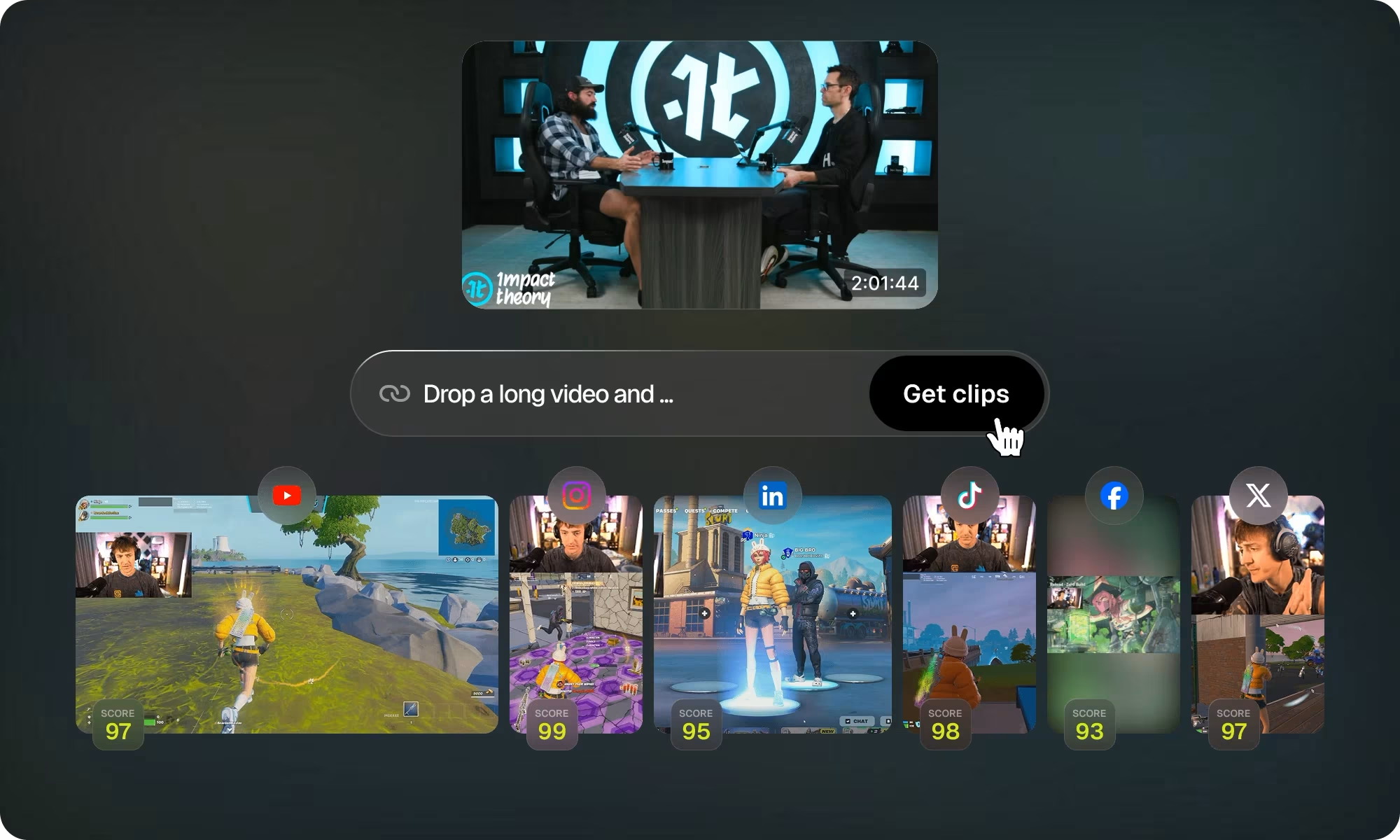
Read the captions (names, brand terms and numbers are the usual misses), confirm the reframe kept the speaker and any on-screen text in frame, make sure a Viral Hook or Motion Graphic does not overstate what was said, and check you hold the rights to the source footage and any music. Virality Score is a ranking aid, not a prediction of results.
How this page was made
Evidence and limitations
Author: TrackerTools Editorial. Method: review of OpusClip’s public documentation, pricing page, the 4.0 announcement and official demo media. TrackerTools has not run a hands-on test of the 4.0 Auto-edit pipeline; output-quality claims are the vendor’s. Last checked: Nov 11, 2026.
Customer names, view counts and testimonials on opus.pro are OpusClip’s own marketing and are not repeated here as endorsements. OpusClip, Agent Opus, AI Producer and OpusSearch are separate products; this page covers OpusClip only.
 OpusClipReview by TrackerTools